
Tandem Operation Options
In PLC Options, Select Function Parameters to access Tandem Operation Options.
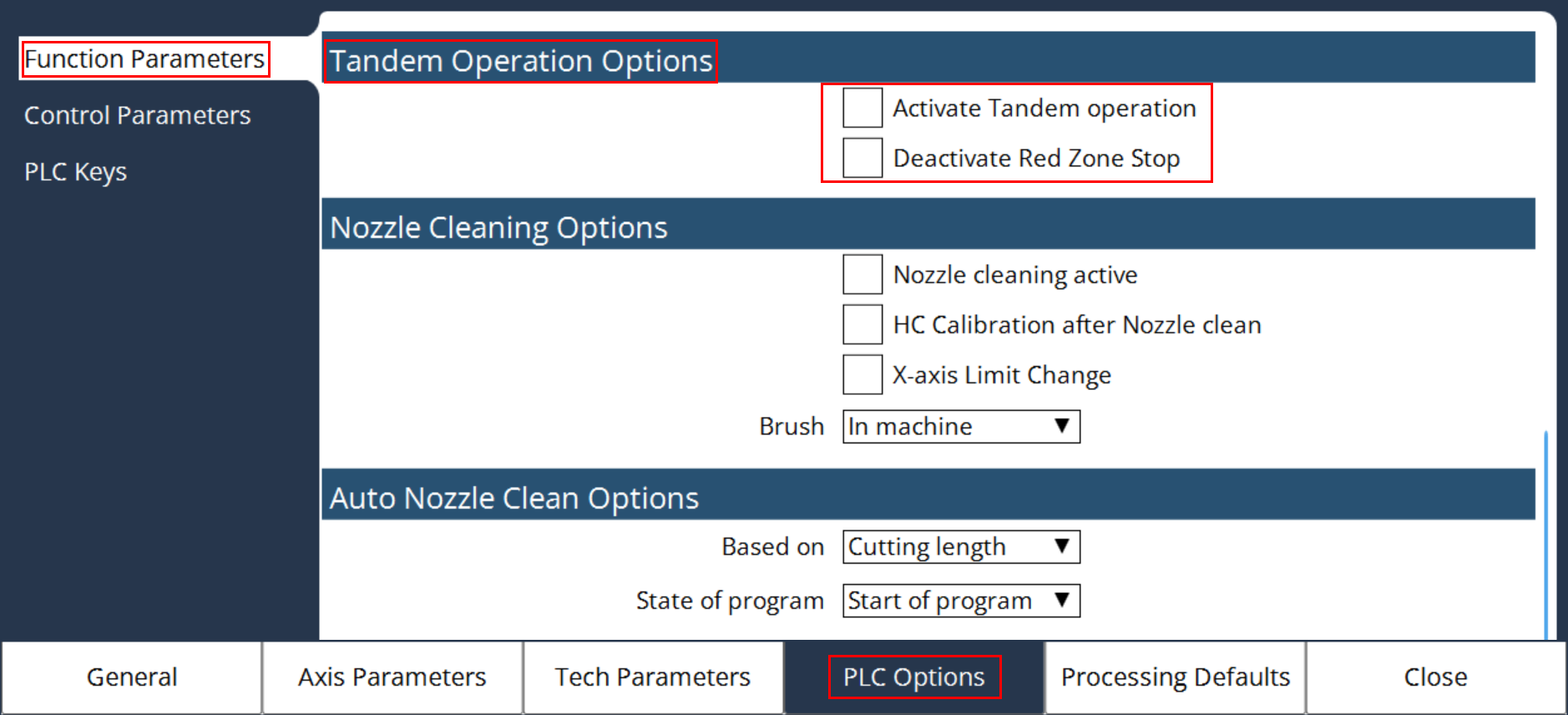
Activate Tandem Operation
Will activate the tandem function in the PLC and check for the communication to the other controller.
Deactivate Red Zone Stop
Will deactivate the red zone stop function in the PLC, during program running in tandem operation.
Red Zone is the absolute area calculated between the Gantry 1 start of the left-side program pause distance and Gantry 2 start of the right-side program pause distance. For more information, refer Dual Head Tandem Operation manual.