
Machine Settings
-
Open the application.
-
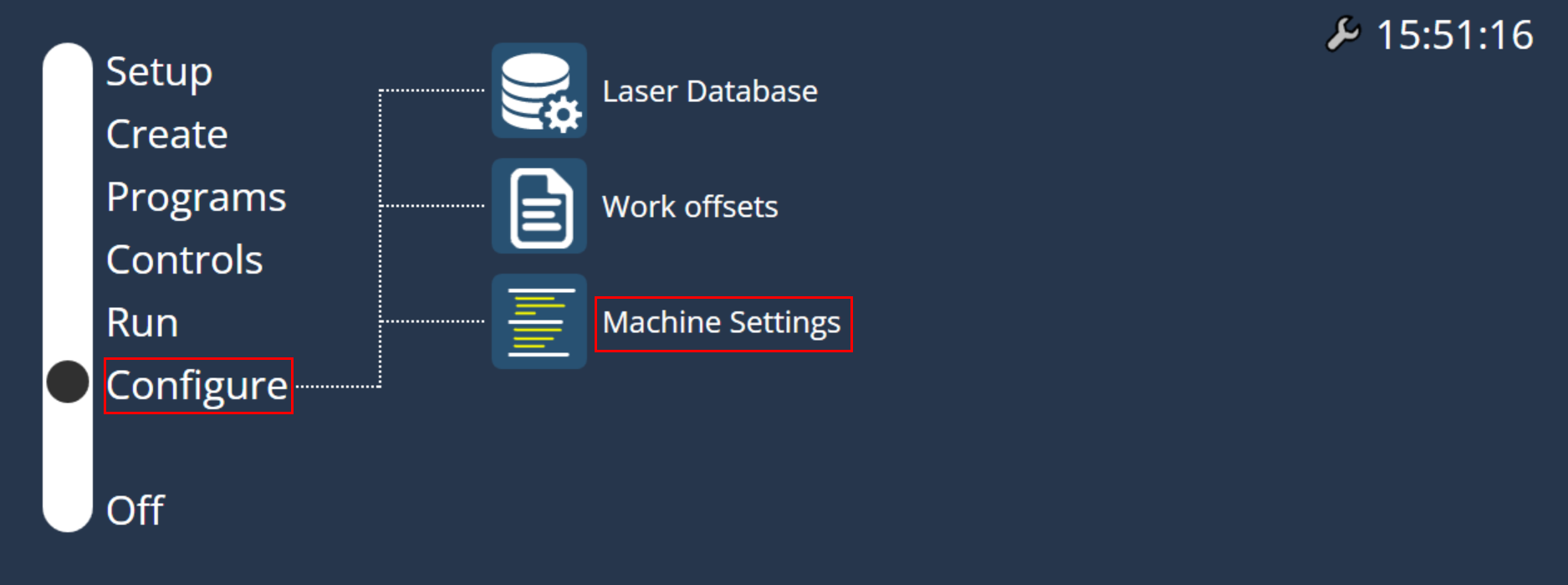
Choose “Configure” from Home screen.
-
Select Machine settings.
-
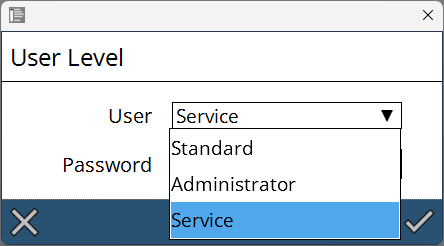
To access the machine settings, User Level has to be selected.
-
Standard mode does not require password to access. It is for operator level access which means user can view but cannot make any changes.
-
Administration mode needs password to access since user can make changes in machine settings.
-
Service mode needs password to access since user can make changes in advanced option of machine settings.
-